Web Interface
The AntennaPilot web interface opens in a browser from a laptop, tablet or phone and provides access to the map, manual control, routes and device settings.
Main Sections
✓ Map — map layers, antenna position, route, waypoints and online/offline mode.
✓ Control — remote manual control, rotation speed, Home position and calibration.
✓ Settings — maps, Ethernet/Wi-Fi, access, MAVLink and system information.
✓ Routes and MAVLink — route creation/import, autotracking and live position from Mission Planner / ArduPilot.
Map Screen
The map screen shows map layers, source, antenna position, tracking panel, azimuth/tilt scales and manual-control buttons.
Control Screen
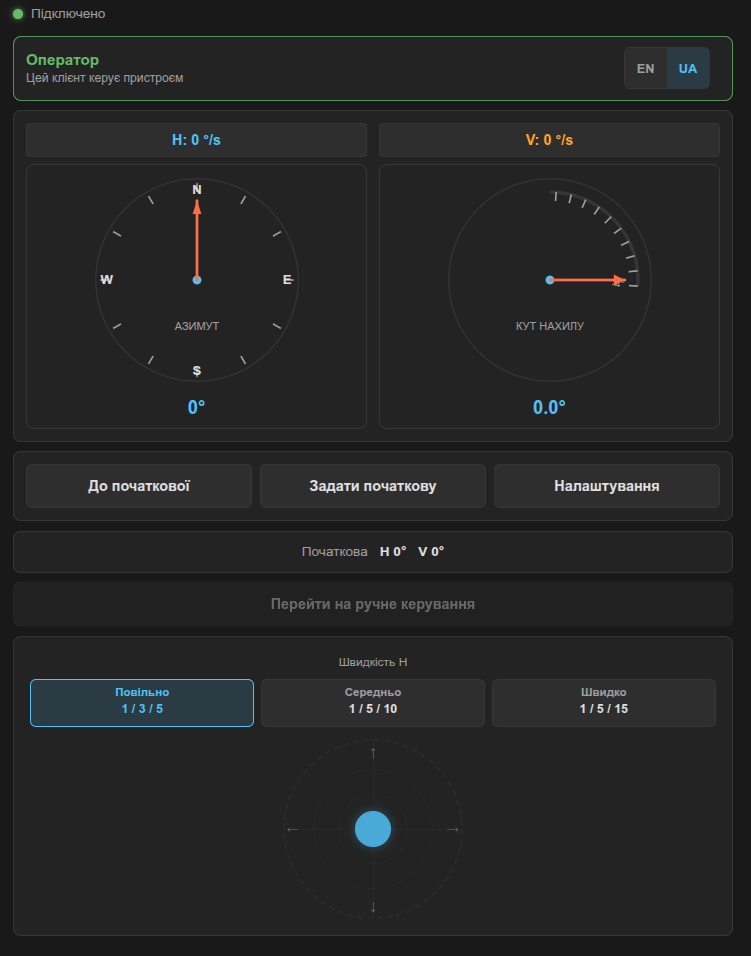
The control screen is designed for manual device control through a mobile phone web browser.
It shows connection status, operator mode, current angles, Home position buttons and a virtual joystick.